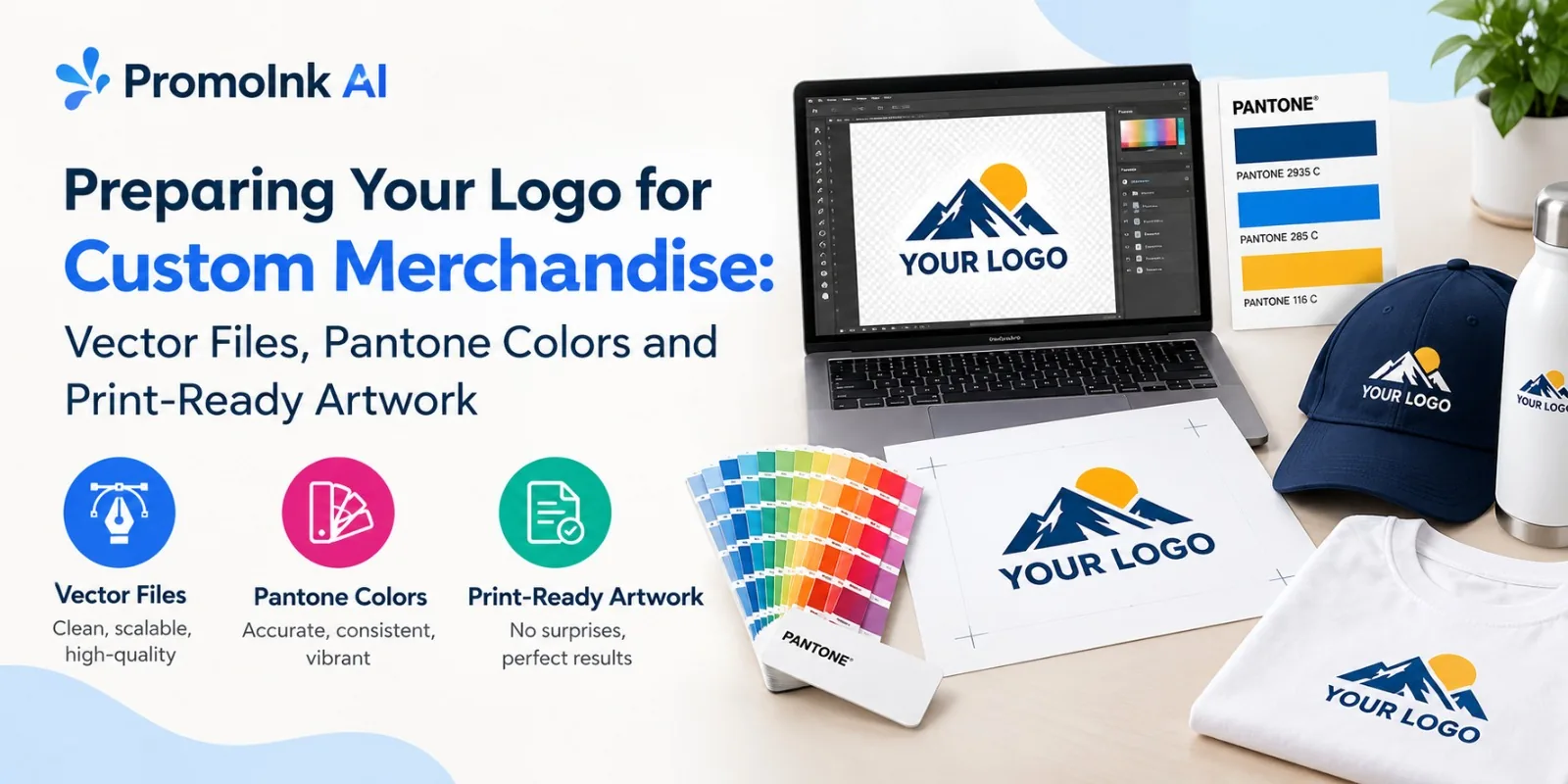
Preparing a logo for custom merchandise starts with the right file, accurate colors, and artwork built for the printing method. To prepare your logo for custom products, start with a vector version of your logo, confirm the intended Pantone or production color values, and check the print-ready requirements for your product and decoration method.
PromoInk AI lets buyers upload their logo, position artwork, and preview the design on eligible products through its Virtual Designer. For decorated orders, a digital artwork proof is provided for approval before production when required. Our team can also help when artwork needs preparation or adjustment for the selected merchandise and decoration method. Artwork preparation fees may apply.
Start With the Right Logo File
The file you send can affect everything from sharpness and color accuracy to how cleanly a logo appears on a shirt, tumbler, bag, hat, or other promotional item.
The first question is simple: Do you have a vector version of your logo?
Vector artwork is usually the preferred format for custom merchandise because it is built from mathematical paths rather than a fixed grid of pixels. That allows the artwork to be resized without becoming blurry or pixelated.
Common vector formats include:
- AI: Editable Adobe Illustrator artwork and commonly used as a master logo file.
- EPS: A long-established vector exchange format widely supported in print-production workflows.
- SVG: A scalable vector format commonly used for web graphics and supported by some production workflows.
- PDF: Can contain scalable vector artwork, but a PDF file is not automatically vector; it can also contain raster images.
Raster files are different. Formats such as JPG, PNG, and GIF are made from pixels. A high-resolution raster file can work well for certain printing processes, but enlarging a small image too far can create jagged edges or visible pixelation.
Vector vs. Raster Logo Files
A vector logo is built from mathematical paths, allowing it to be resized up or down without losing clarity. Common vector formats include AI, EPS, SVG, and vector PDF. Individual paths can often be edited, making vector files ideal for professional print production and large promotional merchandise.
A raster logo, by contrast, is made up of pixels. Common formats include JPG, PNG, and GIF. Its quality can decline when enlarged, so the file needs sufficient resolution for the intended use. Raster files are well suited to photographs and some digital artwork, but editing a logo generally requires pixel-based tools. For large merchandise, vector files are usually preferred because they maintain sharp edges at different sizes.
A PNG file with a transparent background may still be useful, especially for certain printing workflows. However, transparency does not automatically make a PNG a vector file.
Check the Logo Before Sending It
A logo may look perfect on a laptop screen and still need preparation before production. Open the original artwork at a large size and inspect the details.
Look for:
Correct proportions
Make sure the logo has not been stretched horizontally or vertically.
Clean edges
Inspect curves, small lettering, and fine lines for unwanted artifacts.
Correct spelling
A production file should contain the approved brand name and wording.
Proper background
Remove unwanted white boxes or backgrounds if the product requires a transparent logo.
Consistent elements
Check that symbols, icons, text, and spacing match the approved brand artwork.
Readable small details
Very thin lines and tiny text may not reproduce clearly on every product.
Small details deserve particular attention. A logo printed at a large size on a banner can retain fine elements that may disappear when the same artwork is embroidered on a cap.
Understand Pantone Colors Before Production
Brand colors need more than a visual match on a monitor. Screens use light to display colors, while physical products are produced with inks, dyes, threads, engraving processes, or other decoration methods.
So, what is a Pantone color match?
A Pantone color match uses a standardized color reference from the Pantone system to communicate a specific color target. Instead of telling a supplier that a logo should be "dark blue," a brand can provide a defined Pantone reference when the production method supports it.
Pantone references can be particularly useful for established brands that need consistent colors across different merchandise orders.
Keep these points in mind:
- Provide official brand color specifications when available.
- Do not select a color based only on how it appears on one monitor.
- Remember that the final appearance can vary by material and decoration process.
- Ask about color matching for products where exact brand consistency matters.
- Keep a record of approved color references for future orders.
Pantone (PMS) spot colors are typically used for screen printing and other spot-color methods, while full-color digital processes reproduce color in CMYK, so an exact Pantone match is not always possible. PMS color matching may be available for certain products and printing methods, and additional charges may apply.
The same Pantone target can appear different when reproduced with thread, ink, digital printing, or on different product colors and materials. If brand color accuracy is critical, ask how the selected decoration method handles Pantone matching and review the artwork proof or available production reference before approval.
Prepare Artwork for the Decoration Method
The same logo may need different preparation depending on the product.
Screen printing, embroidery, direct-to-garment printing, engraving, sublimation, heat transfer, and other methods have different artwork requirements.
For example, embroidery converts artwork into stitches. A detailed logo with tiny text may need adjustments so the lettering remains legible after stitching. Screen printing may require color separation, while engraving may work best with clean line artwork.
Before submitting your files, identify:
- Product type
- Decoration method
- Decoration location
- Finished artwork size
- Number of colors
- Product color
- Any required background treatment
Different decoration methods affect the look and feel of custom apparel.
This information gives the production team context for preparing the artwork correctly.
What Print-Ready Artwork Usually Requires
There is no single file specification that applies to every merchandise order. The exact requirements depend on the product and decoration process. Still, several standards are common.
Typical print-ready artwork requirements may include:
- Vector artwork in AI, EPS, SVG, or suitable PDF format
- High-resolution raster artwork when a raster file is acceptable
- Correct color specifications
- Transparent background where required
- Outlined fonts or supplied font files
- Embedded or properly linked images
- Correct artwork dimensions
- Separate color layers or separations when requested
- Clean paths without unnecessary points or objects
- No hidden elements that could appear during production
What Does "Outline the Fonts" Mean?
Fonts can create production problems if the receiving computer does not have the same typeface installed. Converting text to outlines changes the letters into editable vector shapes.
This helps preserve the intended appearance of the logo.
Before outlining fonts, keep an editable master file with live text saved separately. Once text has been converted to outlines, editing the wording or changing the typeface becomes less convenient.
Resolution Matters for Raster Artwork
Some customers only have a PNG or JPG logo. That does not automatically mean the artwork cannot be used.
The issue is resolution.
A small image may look sharp when displayed at 300 pixels wide but become blurry when enlarged to several inches. For raster artwork, resolution should be evaluated at the actual intended production size, not simply by looking at the pixel dimensions in isolation.
As a general guide, raster artwork should be about 300 DPI at the final printed size.
For example, a 1,000-pixel-wide image may be suitable for a small application but insufficient for a much larger printed graphic.
Our team can confirm the required resolution and dimensions for your specific product.
Use a Simple Preflight Checklist
A quick artwork check before ordering can prevent avoidable production delays.
Logo File Checklist
- Approved version of the logo
- Vector file available where possible
- Correct logo proportions
- Correct spelling and wording
- Background removed when required
- Brand colors confirmed
- Pantone references supplied when applicable
- Fonts outlined or otherwise supplied correctly
- Images embedded where required
- Artwork sized for the product
- Fine details reviewed
- Decoration method confirmed
- Final proof reviewed before production
This check is especially useful for first-time merchandise buyers. A few minutes spent reviewing artwork can prevent a much longer correction process after an order has entered production.
Common Logo File Problems That Cause Delays
Several artwork problems appear repeatedly in custom merchandise orders.
A screenshot is designed for viewing, not necessarily for production. It may have limited resolution and may not contain editable artwork.
A small JPG enlarged for a large print can become visibly pixelated. Request the original logo file instead.
PNG supports transparency, but it remains a raster format. Its suitability depends on resolution, size, and the production method.
A white background can become visible when the logo is placed on a dark garment or colored product.
A screen preview may not represent the physical output accurately. Use documented brand colors whenever possible.
Without an editable master file, future changes may require recreating the artwork. Keep the original vector file, such as AI, EPS, or SVG, alongside the print-ready version you submit. This makes it easier to update colors, resize the logo, or prepare it for a different product later.
A Practical Workflow for First-Time Buyers
A reliable artwork workflow can be simple.
1. Find the original logo files.
Ask your designer or branding team for the editable master artwork rather than downloading a logo from a website.
2. Identify the merchandise.
A logo for a cotton shirt may need different preparation from one intended for embroidery on a cap.
3. Confirm the decoration method.
The production technique determines many of the technical requirements.
4. Check colors and fonts.
Use approved brand specifications and confirm how colors will be handled for the selected decoration process.
5. Prepare the production file.
Create the correct dimensions, outlines, layers, color information, and background treatment.
6. Review a proof.
Check logo placement, size, colors, spelling, and appearance before approving production.
Review the digital proof carefully before approving production.
When You Do Not Have a Vector Logo
A missing vector file does not mean you need to start your branding work again.
You can provide the highest-quality logo file you have and ask our team to assess it. In some cases, a high-resolution PNG or PDF can be used as the basis for recreating the artwork as vector paths.
The recreation process may involve:
- Tracing logo shapes
- Rebuilding typography
- Recreating icons
- Matching approved brand colors
- Removing unnecessary background elements
- Checking proportions against the original brand guidelines
The recreated file should be compared with the approved logo before it is used for production. Artwork preparation fees may apply.
How Artwork Changes Across Products
A single brand identity can appear on many merchandise types, but the artwork treatment may vary.
For T-shirts, common decoration methods include screen printing, direct-to-garment (DTG) printing, transfers, and other apparel printing techniques. Hats often use embroidery, which may require simplified logo details for a clean finish.
For tumblers, printing or engraving may require clean vector artwork. Tote bags need designs that account for the available print area and fabric texture, as both can affect detail. Pens have small imprint areas, so simplified artwork is often more suitable. Stickers can accommodate more detailed designs through full-color printing, while banners benefit from clean vector graphics that remain sharp when enlarged.
The logo itself should remain consistent, but its production version may need minor technical adjustments for clarity and durability.
How to Approve a Merchandise Proof
The proof is your opportunity to catch errors before production.
Review these details carefully:
- Logo size
- Placement
- Orientation
- Spelling
- Product color
- Artwork colors
- Background treatment
- Decoration method
- Number of colors
- Position relative to seams, pockets, or other product features
Do not review only the logo. Look at the complete product mockup so you can judge how the artwork works within the available imprint area.
Frequently Asked Questions
What File Format Is Best for a Custom Logo?
A vector format such as AI, EPS, SVG, or a suitable vector PDF is generally preferred for logo production because it can be resized without losing edge quality. The exact preferred format depends on the decoration process.
Is a PNG Good Enough for Custom Merchandise?
A high-resolution PNG can work for some printing methods, particularly when transparency is needed. However, a PNG is a raster file, so its resolution and intended production size must be checked before approval.
What Is the Difference Between Vector and Raster Logos?
Vector logos use mathematical paths and can usually be resized without pixelation. Raster logos use pixels and can lose quality when enlarged beyond their original resolution.
Do I Need Pantone Colors for My Logo?
Not every order requires Pantone references. They are useful for communicating specific brand colors, particularly for production methods that support standardized color matching. Exact matching may not be possible for every product or printing process, and additional charges may apply.
What Does Print-Ready Artwork Mean?
Print-ready artwork is a file prepared according to the technical requirements of the selected product and decoration method. It may include correct dimensions, resolution, colors, fonts, layers, transparency, and vector paths.
Can a Logo Be Printed Without a Vector File?
Yes, depending on the artwork quality and production method. A high-resolution raster file may be usable, or the logo can sometimes be recreated as vector artwork before production. Artwork preparation fees may apply.
Prepare Your Artwork Before Production
Good merchandise artwork starts with the original logo file, accurate brand colors, suitable dimensions, and preparation for the selected decoration method. Vector artwork is usually the strongest starting point for logos because it can scale cleanly, while high-resolution raster artwork can still be appropriate for production methods that support it.
Before approving an order, confirm the product, decoration method, imprint area, logo size, color requirements, and final artwork proof.
If you need help selecting a product or preparing artwork for a specific decoration method, contact PromoInk AI with your logo, quantity, product requirements, and deadline. Our team can help you confirm the artwork requirements for your order and identify the next steps before production.